Comparisons
What Travellers Use Instead of Google Maps to Plan a Trip
Google Maps is the best tool ever built for finding a place and getting to it. Deciding which day that place belongs on is a different job.
The short answer
- Google Maps routes up to 9 stops including the final destination, and it orders them by distance, while a city day is usually broken by opening hours and timed tickets.
- Multi-stop directions are not available for public transit, which is how most people actually cross a city.
- Offline maps cover driving inside the downloaded area; Google's help states that transit, cycling and walking directions do not work offline.
- A saved list holds up to 3,000 entries and can be dragged into any order by hand, which makes it an excellent store of places and still not a plan.
- The workable answer is both: decide the shape of each day elsewhere, then keep Maps for navigation and live opening hours.
Most people planning a city trip start in Google Maps, because that is where the pins already are. A restaurant saved from a friend's message, a museum saved eight months ago for a reason since forgotten, a viewpoint someone recommended. Then the trip gets booked and that pile of pins has to become three days, and Maps turns out to have almost nothing to say about which pin belongs on which morning.
Google Maps will order stops for you. It orders them by distance, and distance is rarely what breaks a city day. What breaks a city day is a museum that shuts on Monday, a timed ticket at 14:00 that cannot move, and a basilica that stops admitting people an hour before it closes. A map does not know any of that about a sequence of places, and it was never built to.
This is a different complaint from the one in the spreadsheet comparison. A spreadsheet has no ordering at all. Google Maps has ordering, and it is geometric. That is a more useful tool and a narrower failure, and it is worth being precise about where the line falls.
Google Maps sorts by distance, and a city day is not limited by distance. It is limited by opening hours, ticket windows and closing days, none of which a map applies to a sequence.
What is Google Maps genuinely best at?
Finding a place, telling you whether it is open right now, and getting you to the door. Nothing else on a phone comes close, and any comparison that skips past that is selling something.
It is also the only travel tool most groups already have. A shared list needs no download, no account for the person who refuses to install a fourth app, and no export when plans change. The strongest published case for planning entirely inside Maps rests on exactly this, and for a short trip in one city it holds up better than app vendors like to admit.
Where Maps wins outright:
- Live opening hours and reviews. The data is as current as anything a traveller can get without phoning the place, and no itinerary app maintains its own copy as well.
- Navigation on the street. Walking directions, transit departures, the blue dot. This is the daily work of a city trip and it is not close.
- Lists that share by link. Google's help describes creating a list, sharing it, inviting collaborators, and dragging entries into any order you like. Lists hold up to 3,000 entries.
- It is free and it is everywhere. No tier, no trial, and it works in cities no dedicated planner has ever covered properly.
Where Google Maps stops being a planner
At the point where a list of places has to become a set of days. Three specific limits do most of the damage on a city trip, and all three are documented by Google rather than inferred.
The first is the stop limit. Google's directions help states you can add up to 9 stops, including the final destination. A full day in a dense city can pass through more than that once a coffee, a lunch and a station transfer are counted.
The second is the mode. The same page states that directions to multiple destinations are not available for public transit or flight searches. On a city trip that removes multi-stop routing from the way most visitors actually move, which leaves walking as the only mode where chaining stops works properly.
The third is that ordering a list is manual. Dragging entries into a sequence is a real feature and it is genuinely useful, but the sequence carries no times, no durations and no awareness that the second stop closes before the first one finishes. The order is yours, and so is every consequence of it.
None of this is an oversight. Google built a day-by-day travel planner once, called Trips, and shut it down in August 2019, folding parts of it into Maps and Search. The day-by-day planner did not come back.
What each tool does with a list of saved places
| Google Maps | Wanderlog or TripIt | Owlio | |
|---|---|---|---|
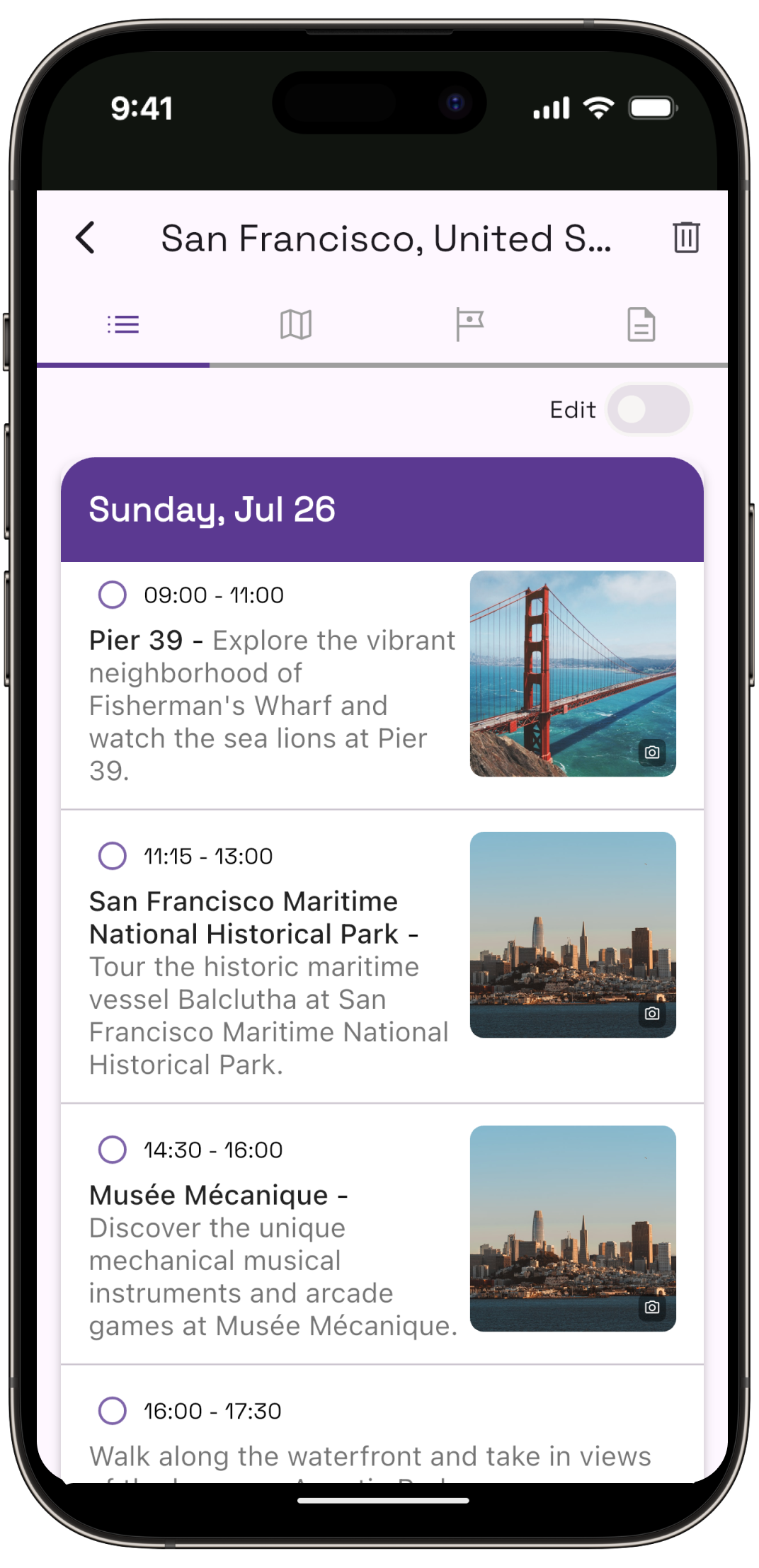
| Turning places into days | Manual. Drag the list into an order you choose | Manual, with Wanderlog optimising the route between places you picked | Automatic, from the city, your flight times and a pace |
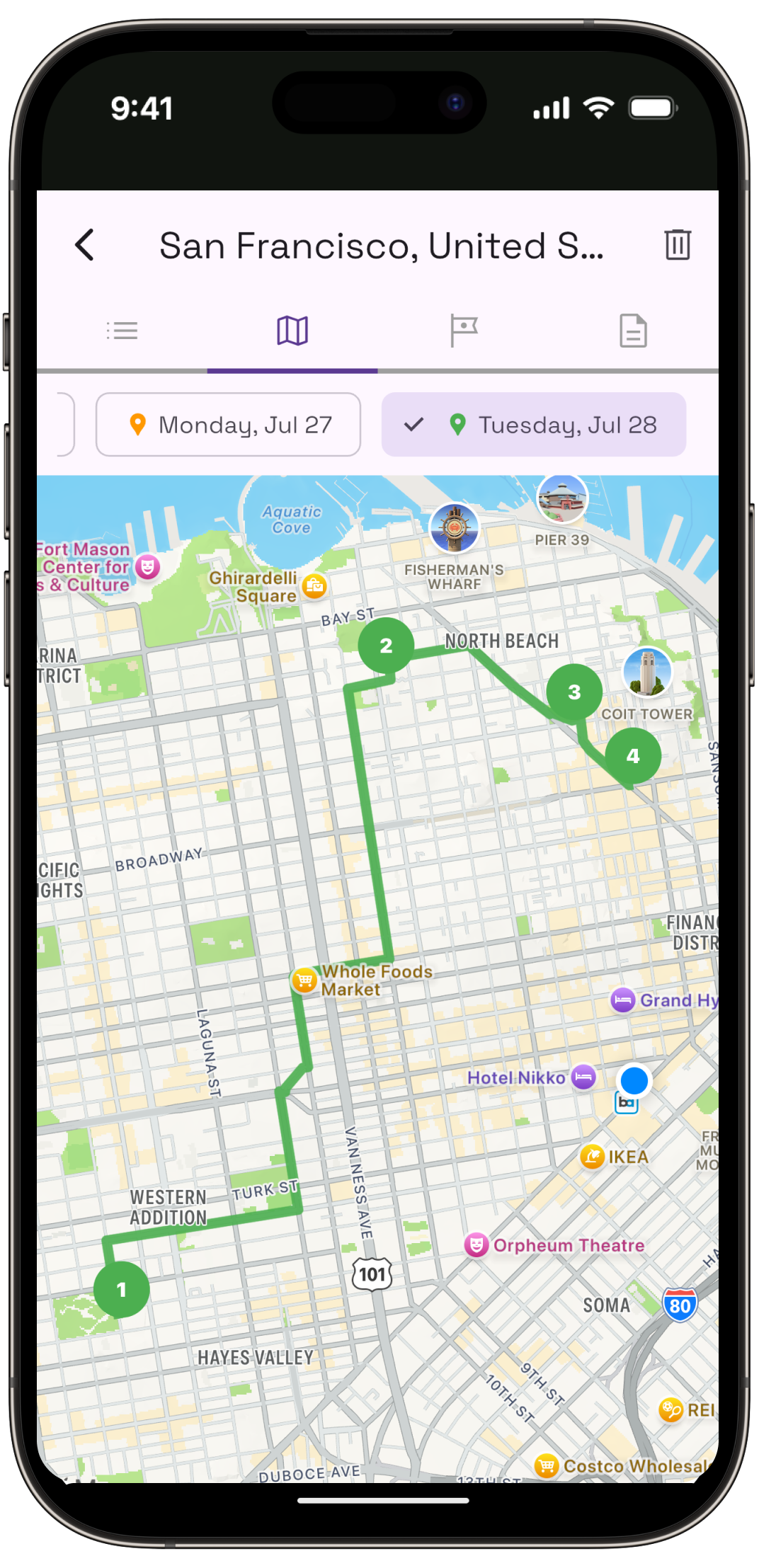
| Multi-stop routing | Up to 9 stops, and not available for public transit | Wanderlog advertises route optimisation | Stops are grouped and numbered per day on a map |
| Knows a place shuts on Monday | Shows the hours on the pin; applies nothing to your sequence | Shows what you entered | No. Owlio does not advertise opening-hours logic either; check the day's hours yourself |
| Navigation on the street | The best there is | Hands off to a map app | Hands off to a map app |
| Offline | Downloaded areas expire; transit, cycling and walking directions are unavailable offline | Wanderlog advertises offline access | Not something Owlio advertises |
| Cost | Free | Free tiers; TripIt Pro is $49/year on TripIt's own pricing page | Free to try, no account needed |
Does Google Maps work offline for a city trip?
Less well than most travellers assume. Google's offline maps help says a downloaded area can guide you to your destination as long as the entire route is inside it, and then states plainly that transit, bicycling and walking directions are unavailable offline, along with traffic and alternate routes.
Read that against how a city trip is actually spent. The two modes that stop working offline are the two modes a visitor uses all day. Downloaded areas also expire, with Maps attempting an automatic refresh over Wi-Fi when they are within fifteen days of doing so.
The practical answer is a local SIM or a roaming plan, and treating offline maps as a fallback, not the plan.
How to turn a list of saved pins into days
Prune first, then group by neighbourhood, then check what each day's anchor demands. The pins are research, and research is not a plan until something has been thrown away.
- Cut the list to what the trip can hold. Three days is two full days and two fragments once flights are counted. Six or seven real stops per full day is the honest ceiling, and most saved lists are three times that.
- Group what survives by neighbourhood. This is the one job Maps does well at the planning stage, because the pins are already on a map and the clusters are visible at a glance.
- Find each day's anchor and check what it demands. The 3 days in Rome guide is built around two sights that each swallow half a day and sit on opposite banks of the river. Anchors like that decide the day; everything else fits around them.
- Book the windows before fixing the order. The 3 days in Paris guide builds the days backwards from booking windows that open at different times, because the order follows the tickets you actually hold. Amsterdam's Rijksmuseum is open 9am to 5pm and wants about a week's notice outside summer.
- Put the finished order back into Maps. Once each day exists, a list per day is the right shape for the phone, because the navigation is the part Maps should be doing.
So what do travellers use instead?
Nobody replaces Google Maps. They add something that decides the days and keep Maps for the street.
Wanderlog is the common answer for a group, because it does real-time collaborative editing, expense splitting and route optimisation between places you have chosen. TripIt is the answer for someone whose problem is bookings rather than sightseeing: forward the confirmations and it assembles them, and as of September 2026 its Pro tier at $49 a year adds flight status and baggage information. Check Wanderlog's current free and Pro split on its own site, since the third-party listings disagree.
Owlio is the answer to the specific question this article started with. Give it a city, the real arrival and departure times and a pace, and it returns days that are already grouped and ordered, which is the step Maps leaves to you. It also does none of the things Maps is best at. There is no turn-by-turn navigation and no live transit, so the phone still needs a map app on the street, and it plans one city per trip, which makes a four-city route the wrong job for it.
What adding a second tool costs
A second place for things to live. Two tools mean two versions of the truth, and the cure is discipline about which one owns what: the planner owns the shape of the day, Maps owns the walking.
It also costs the group. A Maps list shares with a link and no install, and any dedicated planner is a harder sell to four people, one of whom will never open it. For a trip where everyone needs to see the plan, a shared Maps list ordered by hand is often still the right call, and that is worth saying plainly on a site that sells a planner.
Common questions
Can you plan a trip in Google Maps?
You can collect and order places, but not schedule them. Google Maps lets you build lists, share them and drag entries into any sequence you like. It does not assign places to days, apply opening hours across a sequence, or account for how long anything takes.
How many stops can you add to a Google Maps route?
Google's directions help states you can add up to 9 stops, which includes the final destination. The same page notes that directions to multiple destinations are not available for public transit or flight searches, so multi-stop routing does not apply to most city journeys.
Do Google Maps offline maps work for walking and transit?
No. Google's offline maps help states that transit, bicycling and walking directions are unavailable offline, along with traffic and alternate routes. A downloaded area can still guide you to a destination when the whole route sits inside it, and areas expire and refresh over Wi-Fi.
What is the best alternative to Google Maps for trip planning?
It depends on the failure you are fixing. Wanderlog suits groups with its collaboration and expense splitting, TripIt suits people drowning in booking emails, and Owlio suits a single-city trip where the hard part is deciding what goes on which day.
Can you share a Google Maps list with other people?
Yes. Google's help describes creating a list, sharing it by link and inviting others to edit it with you, and lists can be private or shared. Lists hold up to 3,000 entries, which is far more than any trip needs.
Should I stop using Google Maps when I travel?
No. Maps has the best live opening hours, reviews and street navigation available, and no itinerary app replaces those. The useful change is deciding the shape of each day somewhere else, then using Maps to actually get around once the days exist.
The step Maps leaves to you
Give Owlio a city and your real arrival and departure times, and it returns days already grouped and ordered. Keep Google Maps for the walking.