Roundups
Apps That Identify Landmarks and Paintings: Start With Your Phone
Before installing anything, check what the phone already does. For a famous landmark, the answer is usually enough.
The short answer
- Most phones already identify famous landmarks and paintings for free: Visual Look Up on iPhone and Google Lens on Android and inside Google Maps.
- Apple's Visual Look Up works on a photo you have already taken, needs iOS 15 or later, and is not available in every region or language.
- Google Lens in Google Maps can name a building and pull up historical facts or opening hours, and Google's own advice is to use it outdoors, pointed at buildings across the street.
- A dedicated identifier app only earns its place by what it adds after the name, because the name is the part the phone already gives away.
- Paid scanner apps exist at real prices: as of September 2026, ArtScan's App Store listing includes a $39.99 yearly plan, so try the free options first.
For a famous landmark or a well-known painting, you probably do not need a new app. An iPhone can identify both from a photo using Visual Look Up, and Google Lens does the same on Android and inside Google Maps on either platform. Both are free and both are already installed.
That fact is missing from nearly every page ranking for this question, which is mostly a queue of single-purpose scanner apps, several with subscriptions. They work. They are also charging for the part of the job the phone does for nothing.
Identifying something here means getting its name: the building, the statue, the painting and who made it. What happens after the name is a different job, and it is the only one worth paying for.
The name is the cheap part. Phones give it away. A separate app has to earn its place with what comes after: the context, the story, the reason anyone kept the thing.
How do you identify a landmark on an iPhone?
Take a photo, open it in Photos, and tap the Info button. When Visual Look Up has recognised something, that button shows a small star symbol; tap it, then tap Look Up.
Apple's support page lists what it recognises: popular landmarks, art, statues, plants, pets, birds, insects and spiders, plus food with suggested recipes. It needs iOS 15 or later on a supported model, and Apple states plainly that it is not available in all regions or languages.
Two details shape how useful it is on a trip. It works on photos, not through a live viewfinder, so the habit is photograph first and ask later, which suits a museum well. And the word Apple chose is popular. The cathedral gets named. The unsigned fresco in a side chapel is a different matter.
Can Google Maps identify a building?
Yes, through Lens, which is built into Google Maps on both Android and iPhone. Tap Lens in the search bar and point the phone at a shop, restaurant, landmark or other building.
Google's help page says that pointing Lens at a landmark or building can surface historical facts or opening hours, which is the one thing here that no photo-based tool can match. Standing outside a church at 17:40 and learning it shuts at 18:00 is worth more than its architect's name.
Google's own usage tip is specific: be outside, and point at buildings and signs across the street, not at trees and people. Inside a museum, use Lens from the Google app or Google Photos instead; the Maps version is built for places.
What app identifies paintings in a museum?
Visual Look Up and Google Lens both handle famous paintings. For museum collections specifically, Smartify is the dedicated option, and the way it works explains when it is worth having.
Smartify describes itself as comparing a scanned artwork against its own database. If the work is recognised, it returns the name and a description, and where a partner museum has provided them, stories, audio and augmented reality. That is a different model from a general-purpose camera search: much richer inside the collections it covers, and silent outside them. Check whether the museums on the trip are partners before relying on it.
The major collections are also the ones with the best printed labels and audio guides already. At the Uffizi in Florence, the Vatican Museums in Rome or the Rijksmuseum in Amsterdam, the wall text is written by the curators who chose the work, and it remains the best source in the building.
What each option actually does
| What it identifies | Cost, as of September 2026 | Where it falls short | |
|---|---|---|---|
| Visual Look Up (iPhone) | Popular landmarks, art, statues, plants, pets, birds and more, from a photo | Free, built into iOS 15 and later | Photos only, no live view; not in all regions or languages |
| Google Lens (Android, iPhone) | Landmarks and buildings, with historical facts or opening hours in Maps | Free | In Maps, works best outdoors pointed across the street |
| Smartify | Artworks in its own database, with stories, audio and AR where a museum provides them | Not stated on Smartify's own site; check the store listing | Only recognises works in its database |
| ArtScan | Paintings and artworks | In-app purchases include a $39.99 yearly plan and $99.99 lifetime access | Charges for naming that the phone already does free |
| Owlio | Landmarks and paintings, with what it is, who made it and why it matters | Free to try, no account needed | Not a museum database, and one feature inside a trip planner |
When is a dedicated identifier app worth installing?
When the trip is built around museums whose collections it actually covers, or when the free tools keep coming back empty. Otherwise, rarely.
Smartify makes sense for a museum-heavy trip where the collections are partners, because the audio and stories are the added value, not the recognition. A paid scanner makes sense for almost nobody on a three-day city trip. It might suit an art student photographing hundreds of works a week. For a visitor who wants to know what a painting is, Visual Look Up and Lens should be tried first, and a subscription only considered after they have failed repeatedly.
Not every scanner charges. Art Identifier, for one, is listed as free on the App Store. The point is not that they are bad. It is that the price has to be paid for something the phone was not already doing.
Where Owlio fits
Owlio's camera feature points at a landmark or painting and returns what it is, who made it and why it matters. That is useful, and it is not better at naming a building than Google Lens, which draws on Google's own map of places.
What it offers is that it lives in the same app as the trip plan, the tickets and the map, so it is one less app to open while standing in front of the thing. That is convenience, and it should be described as convenience. Somebody who already has Lens habits has little reason to switch for identification alone, and Smartify goes deeper inside the museums it partners with.
How to get more out of a landmark than its name
Photograph the label along with the work. Wall text, plaques and information boards carry the curator's context, and a photo of them survives the walk out of the building when memory does not.
Ask the second question. Once a tool has named something, the useful search is why it is there: why this church was rebuilt, why this painting hangs in this city. That is where a name becomes something worth having seen.
And accept that the famous things are the easy ones. Every tool here is strongest on exactly the works everyone already knows, which are also the ones with the best signage. The obscure chapel is where recognition is weakest, and it is often the best room in the city.
Common questions
What app can identify landmarks using my camera?
Usually one you already have. On iPhone, Visual Look Up identifies popular landmarks and art from a photo in the Photos app. On Android and inside Google Maps on either platform, Google Lens identifies buildings and landmarks and can show historical facts or opening hours. Both are free.
How do I identify a landmark on my iPhone?
Take a photo, open it in Photos and look at the Info button. If it shows a star symbol, Visual Look Up has recognised something: tap it, then tap Look Up. It needs iOS 15 or later on a supported model and is not available in every region or language.
Can Google Maps tell me what a building is?
Yes, through Lens in Google Maps. Tap Lens in the search bar and point the phone at a landmark or building to see facts about it or its opening hours. Google advises using it outdoors and pointing at buildings and signs across the street, not at trees or people.
What is the best app for identifying paintings in a museum?
Try Visual Look Up or Google Lens first, since both recognise famous artworks for free. Smartify is the dedicated option for museum collections: it matches scans against its own database and adds stories and audio where partner museums provide them, so check whether your museums are covered.
Are landmark identifier apps free?
The built-in tools are. Visual Look Up comes with iOS and Google Lens is free. Dedicated scanner apps vary: some are listed as free, while others charge real money, with ArtScan's App Store listing showing a $39.99 yearly plan and $99.99 lifetime access as of September 2026.
Why can't my phone identify a painting or building?
The tools are strongest on well-known subjects, and Apple describes Visual Look Up as recognising popular landmarks. Lesser-known works may not be recognised. Visual Look Up is also unavailable in some regions and languages, and Lens in Maps works best outdoors, pointed at buildings across the street.
The plan and the camera in one app
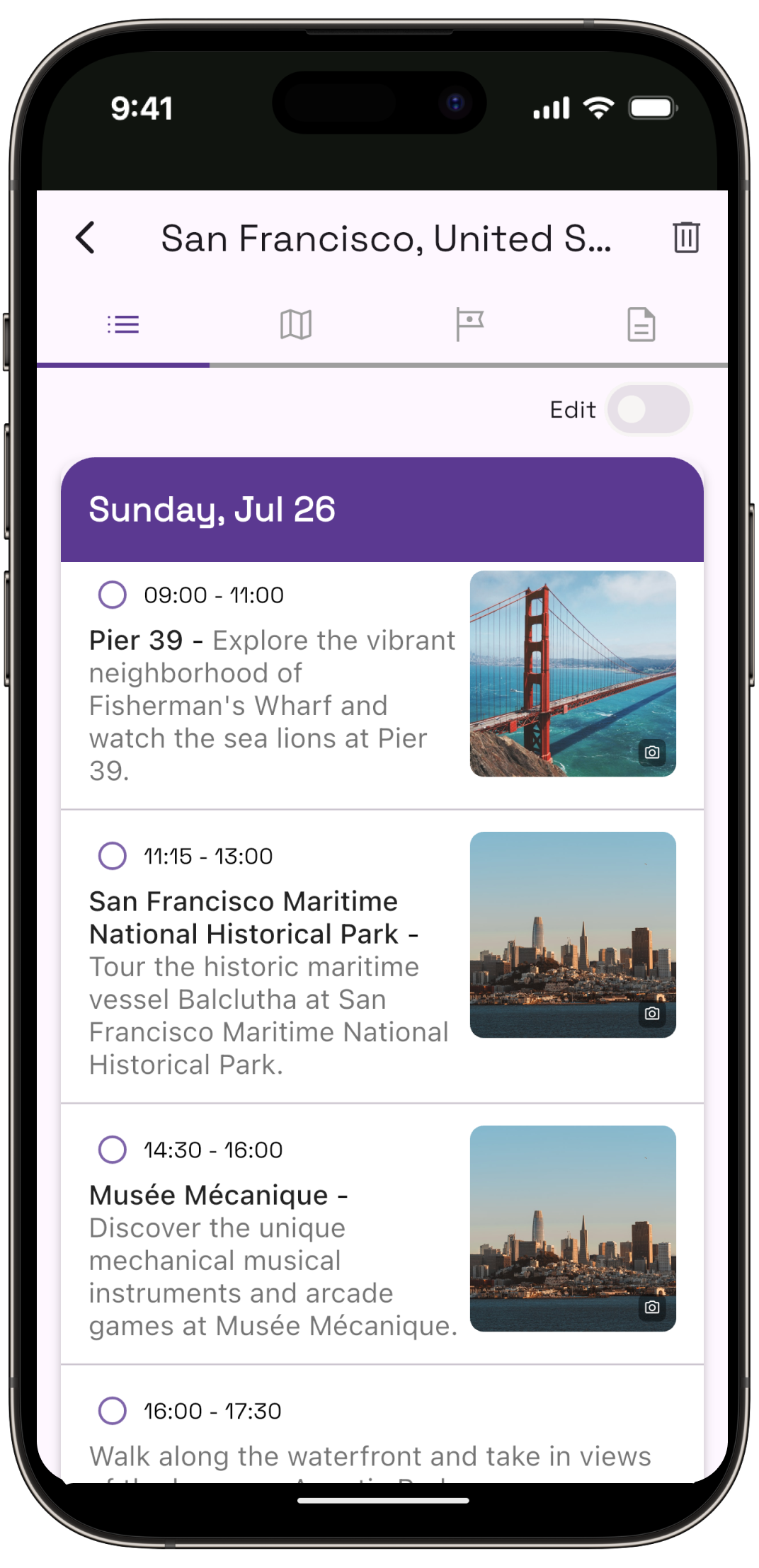
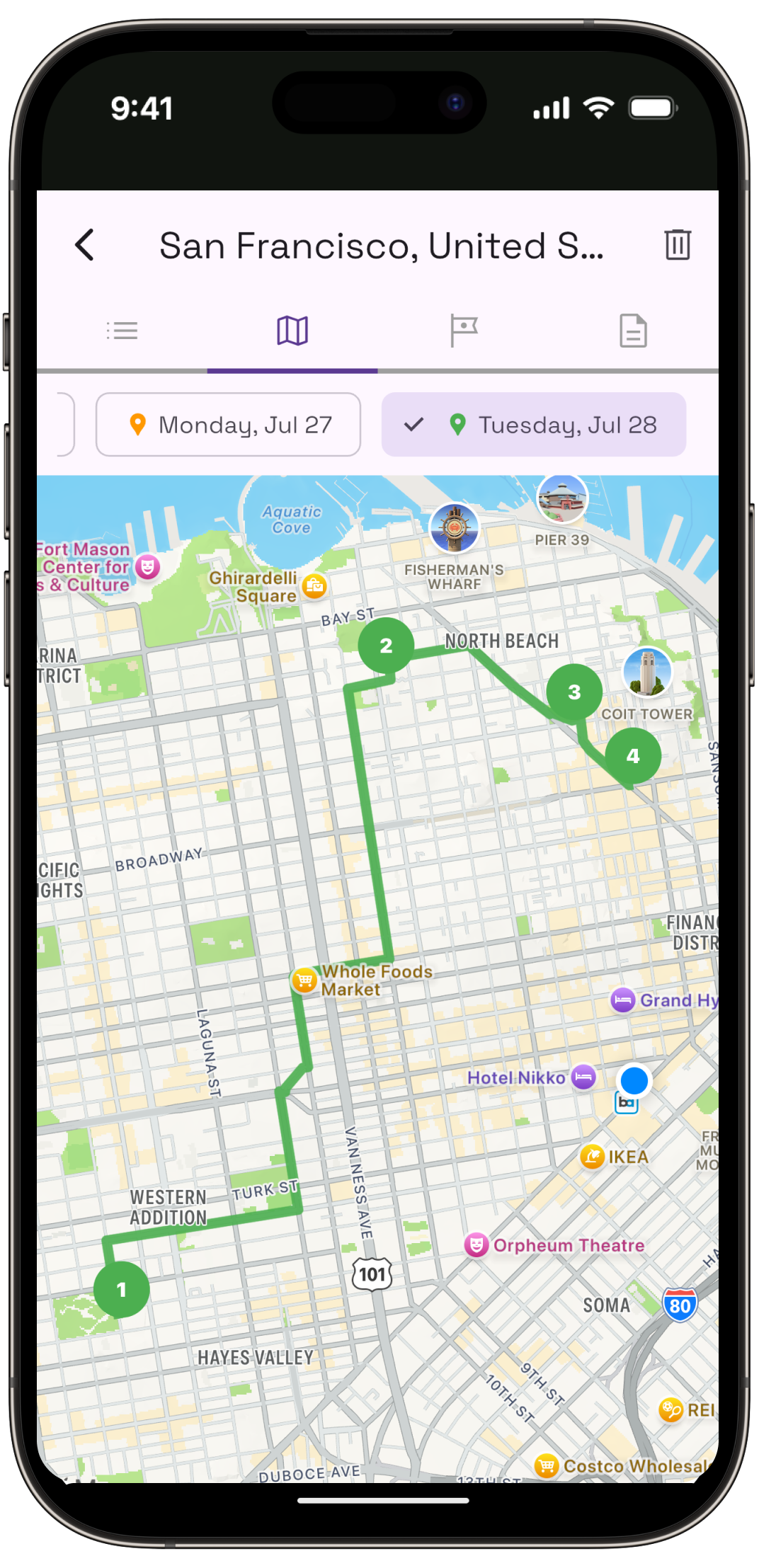
Owlio builds each day around your real flight times, and its camera tells you what the landmark in front of you is, who made it and why it matters.